🏫
The after-school pickup
Practice ended early and they moved. See their latest shared location and roll up to the right door instead of circling the parking lot.
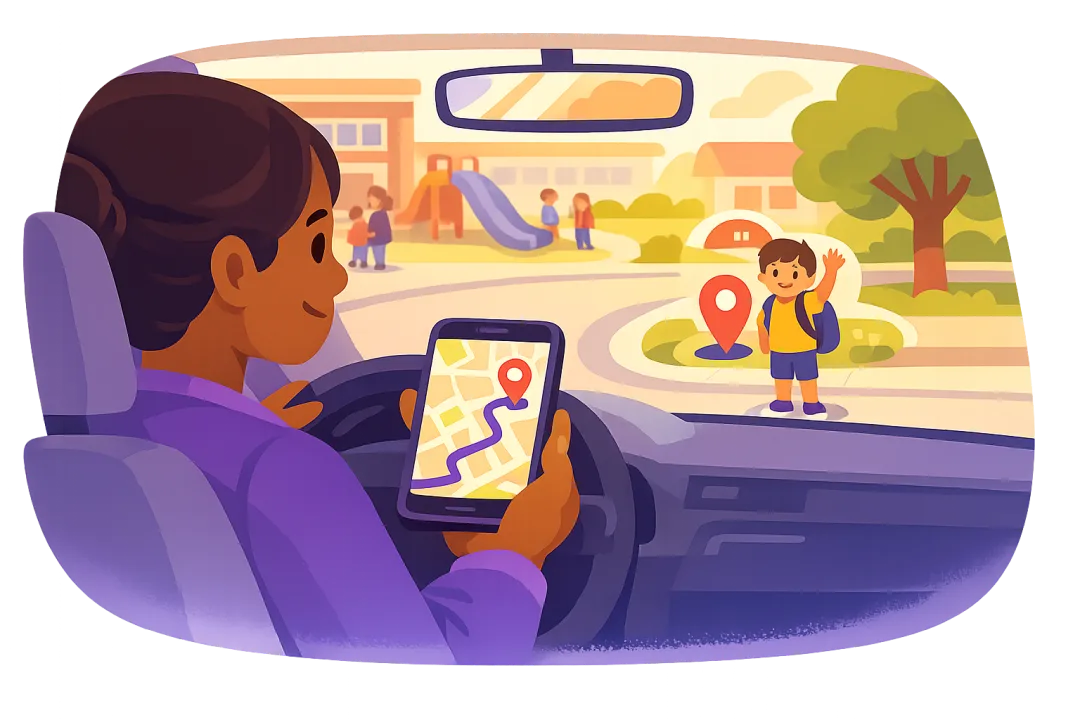
When practice runs late or plans change, you just want to know where they are. Kubo shows your child's latest shared location and opens it in Google Maps in one tap, so "where are you?" turns into directions in seconds.
Not surveillance. Just the quick check-ins that make family logistics calmer.
Practice ended early and they moved. See their latest shared location and roll up to the right door instead of circling the parking lot.
Confirm they made it from the bus stop to the front door without a dozen "are you home yet?" texts.
Plans changed and the sleepover moved. Check where they landed and plan the pickup without the phone tag.
Three steps, then it is always a tap away.
Put Kubo on your child's Android phone, choose the child profile, and allow location.
See their latest shared location on the parent side, even if the phone is on silent.
Jump straight into Google Maps directions and drive to them without extra steps.
The same free app that helps you find them also helps them build healthy habits.
Kubo is a full parental control app. Alongside finding your child's latest location, you get daily screen-time limits, focus schedules, and app blocking, so one install covers safety and healthy habits.
Kubo is meant to be visible and agreed on, not hidden. That keeps trust intact while still giving you peace of mind about where they are.
Want the wider view? Explore the Kubo child location tracker or our guide to the best kids location tracking apps.
Quick answers to the common worries.
On Android you can find your child's phone location through Google Family Link, Google Maps location sharing, or a family app like Kubo. Kubo shows your child's latest shared location and lets you open it in Google Maps in one tap so you can drive straight to them.
Yes. Location sharing does not depend on the ringer. As long as the phone is on and has signal, you can see its latest shared location in Kubo even when it is on silent.
If the phone is powered off or has no signal, no app can read a live position. What you can see is the last location it shared before it went offline, which is still a useful starting point for a pickup.
No. Age-appropriate, transparent location sharing that your child knows about is a normal safety tool, not spying. Kubo is designed to be open and family-friendly rather than hidden.
Get your child's latest location and full parental controls in one free Android app.
Get Kubo for Android