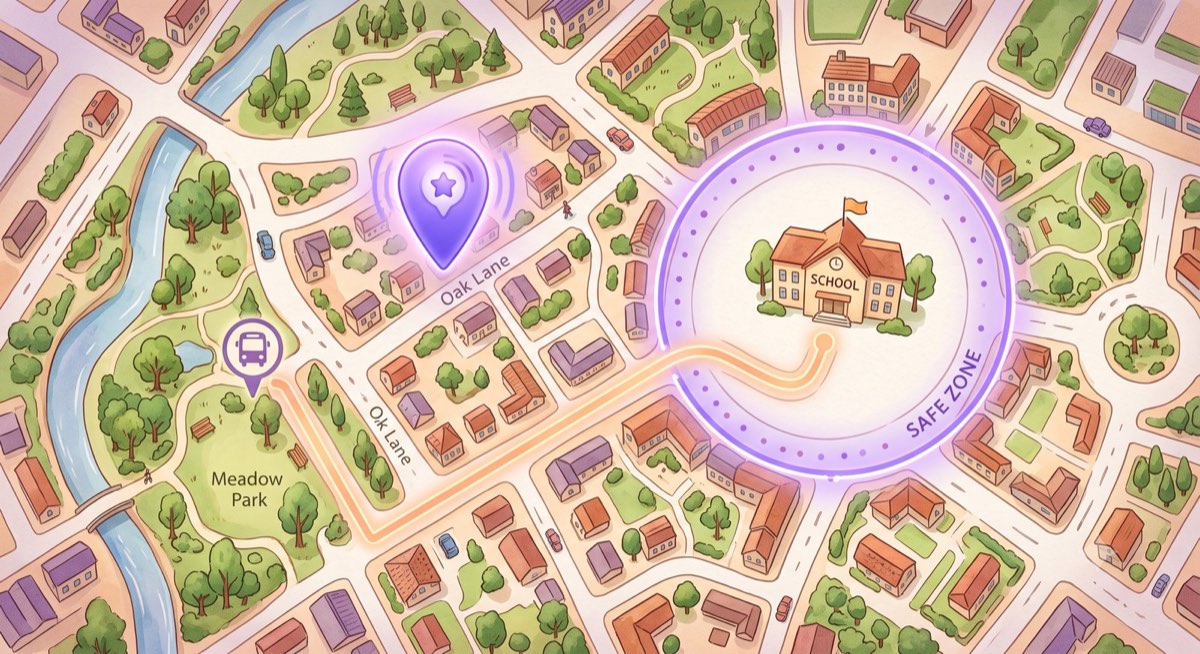
Knowing your child got to school, practice, or a friend's house safely is one of the most common reasons parents reach for an app. But kids location tracking apps vary a lot — some are full GPS trackers with geofencing and history, others are simple "where are they right now" tools, and a few quietly sell your family's data.
Here are the best location tracking options for Android in 2026, including genuinely free choices, with honest notes on what you get and what to watch for.
Two kinds of location apps
It helps to know what you actually need:
- Live GPS trackers — continuous, real-time location with history and geofence alerts (great for younger kids, heavier on battery and privacy).
- Location sharing / on-demand — see where your child is when it matters, like a pickup, without constant surveillance (lighter, more respectful of a growing kid's autonomy).
Neither is "better" — it depends on your child's age and your family's comfort level.
1. Kubo — best lightweight location sharing
Kubo takes the on-demand approach as part of a broader parental control app. When your child shares their location, Kubo shows their latest shared location and lets you open it in Maps for a quick pickup.
- See your child's latest shared location without a separate tracker app
- One-tap "open in Maps" for fast pickups
- Comes alongside app blocking and safe browsing, so it's not just a tracker
-
Free, Android, with Local Mode or paired setup
-
Best for: parents who want simple location plus healthy-habit controls in one free app.
- Limitation: it's location sharing, not continuous live GPS history.
See how it works on the Kubo child location tracker page, or if budget is the priority, track your child's location free.
2. Google Family Link — best free basic tracking
Family Link includes free location checks alongside screen-time tools, all native to Android.
- Best for: a free, all-in-one baseline.
- Watch out for: location updates are less frequent and robust than dedicated trackers.
3. Life360 — best for whole-family tracking
Life360 is a well-known family locator with a simple free tier (limited history and alerts) and paid upgrades for more.
- Best for: families who want everyone on one map.
- Watch out for: the most useful features (extended history, more alerts) are paid, and it's data-hungry.
4. Find My Kids — best free feature set for tracking
Find My Kids bundles live location, battery alerts, and geofence notifications, with a useful free basic plan.
- Best for: parents who want real GPS features without paying upfront.
- Watch out for: some extras still require a subscription.
5. Qustodio — best tracking inside a full suite
If you want location and comprehensive parental controls, Qustodio offers accurate location with 30-day history as part of its (paid) suite.
- Best for: parents who want location plus deep controls and reports.
- Watch out for: location history is a premium feature.
Comparison at a glance
| App | Free tier | Tracking style | Best for |
|---|---|---|---|
| Kubo | Yes | On-demand sharing | Location + healthy habits |
| Google Family Link | Yes | Basic checks | Free baseline |
| Life360 | Limited | Live family map | Whole-family tracking |
| Find My Kids | Limited | Live GPS + alerts | Free GPS features |
| Qustodio | Paid | Live + history | Full control suite |
Free tiers change often — confirm current limits on each provider's site.
A note on privacy
Location data is sensitive, especially for kids. A few principles:
- Prefer apps that are clear about what they collect and don't sell data.
- Match the tool to the age. Constant live tracking may suit a young child; an older teen usually does better with location sharing and a conversation about trust.
- Talk about it. Kids are far more cooperative when they understand why location is on, not when they discover it.
How to choose
- Want simple sharing plus app controls in one free app? Try Kubo.
- Want a free baseline? Google Family Link.
- Want a live family map? Life360 or Find My Kids.
Location is just one piece of keeping kids safe online. Pair it with sensible app limits — see how to block apps on your child's Android phone — and age-appropriate screen-time rules in our guide to how much screen time is healthy by age.
Get location sharing and parental controls in one free app: download Kubo for Android.