📍
Latest shared location
See the most recent location your child shared, so you always have a starting point for "where are they right now?"
Kubo shows your child's latest shared location and opens it in Maps for a fast pickup. It bundles in the screen-time limits, app blocking, and healthy-habit tools parents actually use every day. Free on Android.
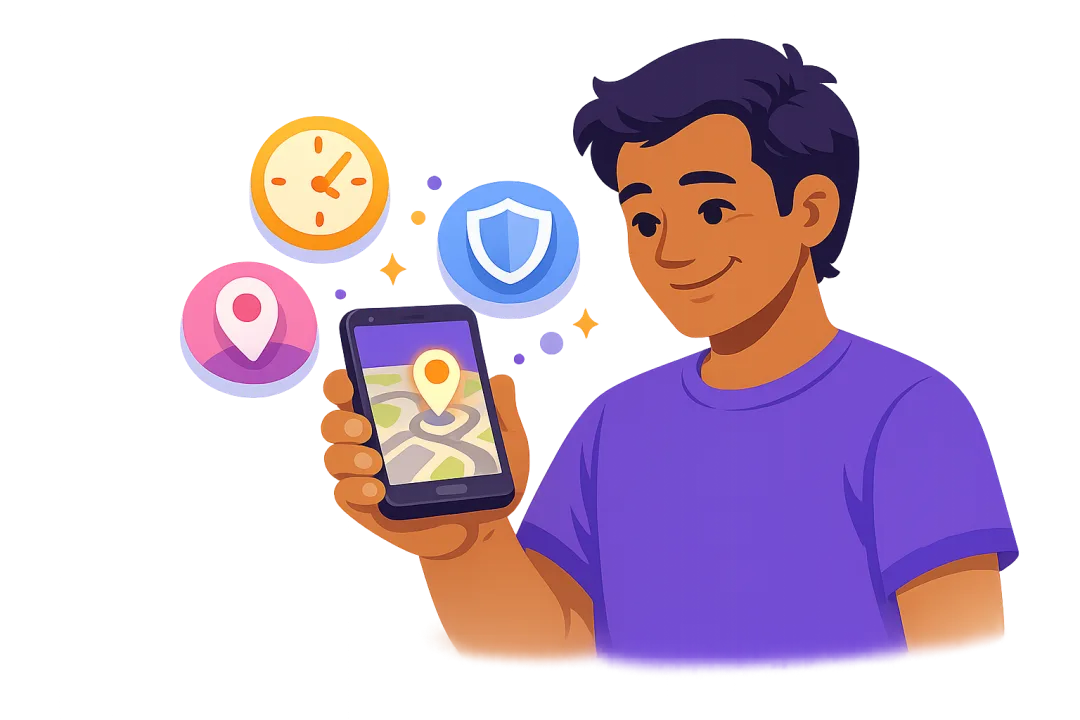
Most families don't want a tracker and a screen-time app. Kubo puts both in a single free Android app, so setup is once and the whole family lives in one place.
See the most recent location your child shared, so you always have a starting point for "where are they right now?"
Go straight from Kubo to Google Maps directions for a fast, no-fuss pickup at school, practice, or a friend's house.
On-demand sharing instead of a GPS beacon running all day means your child's phone actually survives until home time.
Set daily limits, schedule focus time, and block distracting apps. This is the reason most parents installed a parental control app in the first place.
Keep age-inappropriate apps and sites off the device, so location safety and content safety come from the same app.
Kubo is built for families, not for selling data. Location is there to help you keep your child safe, nothing more.
An honest comparison. If you need a live moving map, a specialist tracker wins. If you want location plus everyday parental controls in one free app, Kubo is hard to beat.
| What you get | Kubo | Google Family Link | Life360 | Find My Kids |
|---|---|---|---|---|
| See child's location | Latest shared location | Basic location | Live GPS map | Live GPS map |
| Open in Maps for pickup | Yes, one tap | Limited | Yes | Yes |
| Screen-time limits | Yes | Yes | No | No |
| App & website blocking | Yes | Yes | No | No |
| Healthy-habit tools | Yes | No | No | No |
| Free to start | Yes | Yes | Free tier | Free tier |
| Platform | Android | Android | Android & iOS | Android & iOS |
Comparison reflects typical free-tier capabilities and may change as each app updates. Kubo focuses on on-demand location sharing rather than continuous live tracking.
Under five minutes, no technical setup.
Download Kubo free from Google Play and choose the child profile during setup.
Grant location permission so Kubo can show the latest shared location on the parent side.
When you need them, open Kubo, see their latest shared location, and tap "open in Maps" to head straight there.
A quick buyer's guide before you install anything.
When you're picking your child up, you don't want a clever dashboard. You want directions. Prioritize apps that get you from "where are they?" to turn-by-turn navigation in one tap.
A tracker that pings GPS every minute can drain a phone before school ends, which ironically leaves you unable to reach them. On-demand approaches like Kubo's are gentler on battery.
Some "free" trackers monetize by selling family location data. Read the privacy policy. Kubo is built for families and doesn't sell your data.
Most parents who want location also want screen-time limits and app blocking. Buying two apps is more cost, more setup, and more for your child to work around. One app that does both, like Kubo, is simpler.
If your family is on Android, pick something Android-first. Kubo is built for Android.
Want the full breakdown? Read our guide to the best kids location tracking apps for Android.
The questions parents ask most.
It depends on what you need. For continuous live GPS with a moving map, a dedicated tracker like Life360 or Find My Kids fits best. If you want your child's latest shared location plus screen-time limits, app blocking, and healthy-habit tools in one place, Kubo is a strong free choice for Android. It shows the last location your child shared and opens it in Maps for a fast pickup.
Yes. Kubo is free to download on Android and lets you see your child's latest shared location and open it in Maps. Google Family Link and Google Maps location sharing are also free. Kubo bundles location with parental controls, so you don't need a separate app for screen time and app blocking.
When your child shares their location, Kubo shows their latest shared location on the parent side and gives you a one-tap "open in Maps" action. It's designed around on-demand sharing rather than a constantly-running background tracker, which is lighter on battery.
In most places, a parent or legal guardian can monitor the location of their own minor child on a device they own or manage. Laws vary by country and region, so check local rules. Tracking another adult without consent is different and is generally not lawful.
Continuous live GPS trackers use more battery because they run in the background all day. Kubo's on-demand, latest-shared-location approach is lighter because it isn't constantly polling GPS, which helps the phone last through the school day.
Look for accuracy, an easy "open in Maps" action for pickups, a clear privacy policy that doesn't sell family data, low battery drain, Android compatibility, and whether it also covers screen time and app controls so you don't have to juggle multiple apps.
Get your child's latest location and full parental controls in one free Android app.
Get Kubo for Android